AWS (Amazon Web Services): From Zero to Advanced User
Amazon Web Services is the world’s largest cloud platform. As of 2026, AWS holds more than 30% of the global cloud computing market and offers over 240 services. It powers startups, banks, government organizations, and technology giants around the world.
This course will take you from your first login to the AWS console all the way to confidently managing complex cloud infrastructure. You will study each service from the inside out — not just how to use it, but how it works, why it behaves the way it does, and how to make the right technical decisions.
The course is built on real hands-on practice: every topic is reinforced by working in the actual AWS console. You will progress from foundational services — EC2, S3, VPC — through automation and monitoring, all the way to container technologies ECS and Kubernetes (EKS).
By the end of the course, you will be able to independently design and deploy cloud solutions, work confidently with more than 30 AWS services, and prepare for AWS certification exams.
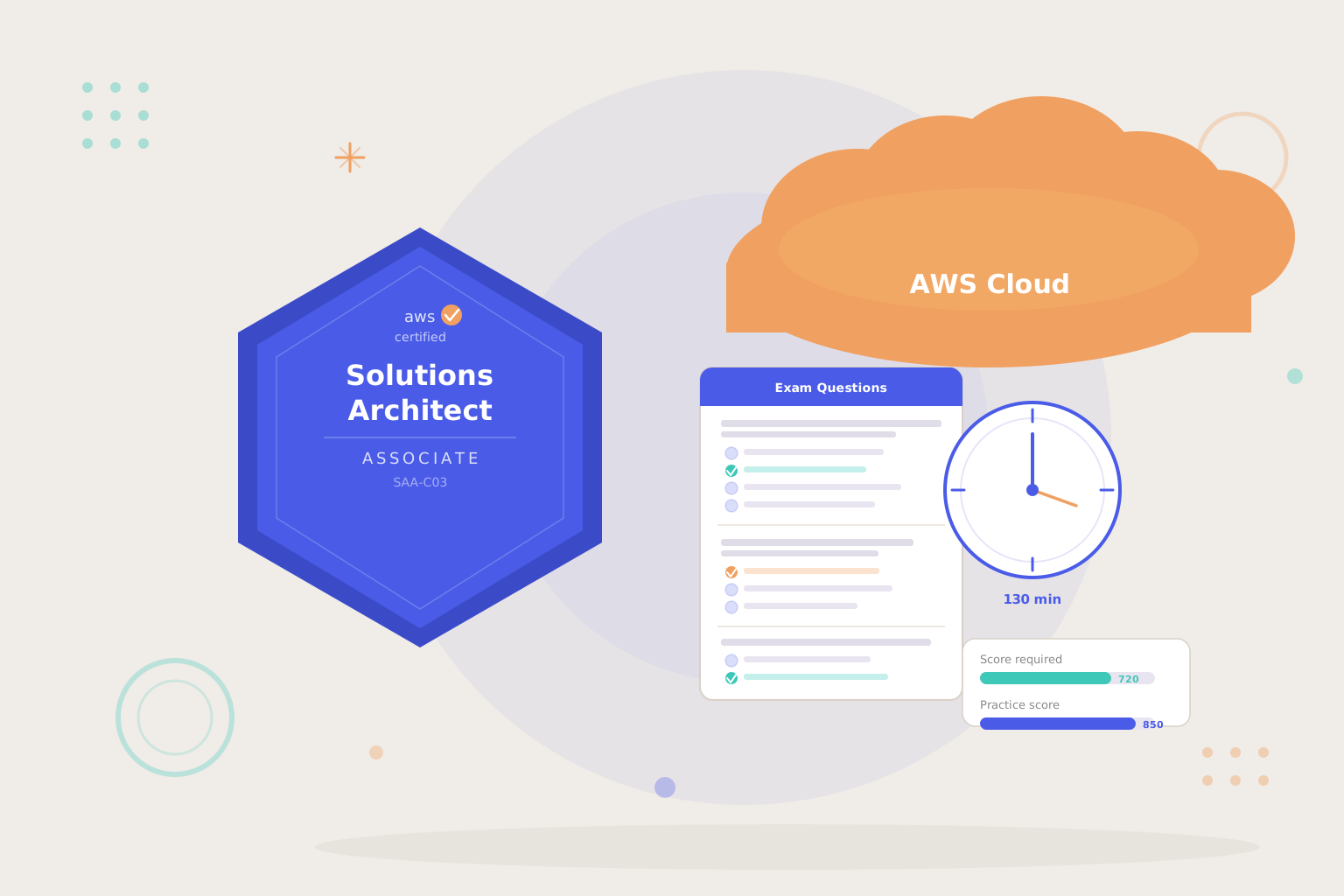
The course prepares you for AWS certification exams. It fully covers the AWS Certified Cloud Practitioner (CLF-C02) program and the majority of the AWS Certified Solutions Architect — Associate (SAA-C03) — which is the primary goal of the course. Additionally, the course partially prepares you for the AWS Certified Developer — Associate (DVA-C02) through Lambda, API Gateway, Elastic Beanstalk, SNS, and SQS, as well as the AWS Certified SysOps Administrator — Associate (SOA-C02) through CloudWatch, CloudTrail, Systems Manager, and Patch Manager.
The course can be taken at your own pace — no deadlines, no schedules. Access to the materials is provided for one year.
This course is suitable for beginner developers, system administrators, DevOps engineers, and anyone who wants to master one of the most in-demand technologies in the modern IT industry. All you need to get started is a basic understanding of what a server and a network are — the course will teach you the rest. For a deeper understanding of the material, we recommend first completing the courses: “Linux Fundamentals: From Beginner to Foundation Level (LPIC1)” and “Linux Intermediate Level: Practical Service Administration”.
Curriculum
- 17 Sections
- 78 Lessons
- Lifetime
- Module 1: Introduction to Amazon Web Services (AWS) Module7
- 1.1LESSON 1. AWS – Amazon Web Services: What It Is and Why It Matters
- 1.2LESSON 2. AWS Certifications: Levels, Costs, and Career Prospects
- 1.3LESSON 3. AWS Global Infrastructure and Core Services
- 1.4LESSON 4. Creating a Free AWS Account
- 1.5LESSON 5. IAM Configuration: users, groups, and security
- 1.6LESSON 6. AWS Billing Dashboard and CloudWatch Billing Alarms
- 1.7LESSON 7. AWS Budgets — Budget Control and Protection Against Unexpected Charges
- Module 2: First Steps5
- Module 3: Amazon S36
- 3.1LESSON 1. Part 1. Amazon S3: AWS Object Storage. Service Capabilities
- 3.2LESSON 2. Part 2. Amazon S3: Practical Work with Buckets
- 3.3LESSON 3. Part 3. Amazon S3: Permissions and Bucket Policy
- 3.4LESSON 4. Part 4. Amazon S3: Versioning and Cross-Region Replication
- 3.5LESSON 5. Part 5. Amazon S3: Server Access Logging, Lifecycle Rules and Static Website Hosting
- 3.6LESSON 6. Part 6. Amazon S3: AWS CLI for Working with S3
- Module 4: Amazon EC26
- 4.1LESSON 1. Amazon EC2: Virtual Servers in the Cloud (Theory)
- 4.2LESSON 2: Amazon EC2: Practical Work with Disks, Snapshots and AMI
- 4.3LESSON 3: Amazon EC2: Creating and Using AMI (Amazon Machine Images)
- 4.4LESSON 4: Amazon EC2: User Data — Automated Server Configuration
- 4.5LESSON 5: Amazon EC2: IAM Roles — Secure Access to AWS Services
- 4.6LESSON 6. AWS Data Lifecycle Manager — Automating EBS Snapshot Backup
- Module 5: Infrastructure and Scaling in AWS7
- 5.1LESSON 1. IP Addresses – Private, Public and Elastic IP
- 5.2LESSON 2. Amazon EC2: Instance Metadata — Server Information
- 5.3LESSON 3. Elastic Load Balancer: Architecture Fundamentals and High Availability
- 5.4LESSON 4. (THEORY). Introduction to Auto Scaling Groups
- 5.5LESSON 4.1. Auto Scaling Groups: Automatic Scaling (PART 1)
- 5.6LESSON 4.2. Auto Scaling Groups: Automatic Scaling with Application Load Balancer (PART 2)
- 5.7LESSON 4.3. Auto Scaling Groups: Automatic Scaling with Classic Load Balancer (Simplified Approach) (PART 3)
- Module 6: Amazon VPC7
- 6.1LESSON 1. Virtual Networks in AWS — VPC (Part 1)
- 6.2LESSON 2. Virtual Networks in AWS — VPC (Part 2): Hands-On Practice
- 6.3LESSON 3. Bastion Host — Secure Access to Servers in Private Subnet (Part 3)
- 6.4LESSON 4. Virtual Networks in AWS — VPC: Flow Logs, Peering, VPN
- 6.5LESSON 5. VPC Peering — Connecting Virtual Networks
- 6.6LESSON 6. How to Expand a VPC Network — Multiple CIDR Blocks
- 6.7LESSON 7. VPC Endpoint — Private Access to AWS Services
- Module 7: Serverless and Automation6
- 7.1LESSON 1. AWS CloudFormation — Infrastructure as Code
- 7.2LESSON 2. AWS Lambda — The Heart of Serverless Technology
- 7.3LESSON 3. API Gateway + AWS Lambda — Building a Web API Without Servers
- 7.4LESSON 4. Amazon SNS — Notification and Messaging Service
- 7.5LESSON 5. Amazon SQS — Simple Queue Service
- 7.6LESSON 6. AWS Budgets + SNS + Lambda — Automatically Stopping All Paid Resources When a Budget Is Exceeded
- Module 7.1: Amazon CloudWatch3
- Module 8: AWS - Route 53, CloudFront and CDN6
- 9.1LESSON 1. Amazon CloudFront — Content Delivery Network (CDN)
- 9.2LESSON 2. Amazon Route 53 — Domain Registration and Connecting to a Static S3 Website
- 9.3LESSON 3. AWS Certificate Manager — SSL/TLS Certificates and HTTPS
- 9.4LESSON 4. SSL/TLS Certificates on ELB and CloudFront — Subdomain Binding via Route 53
- 9.5LESSON 5. Route 53 Health Checks — Server Availability Monitoring
- 9.6LESSON 6. Cross-Region Load Balancing — Distributing Traffic Across AWS Regions
- Module 9: AWS Elastic Beanstalk2
- Module 10: Amazon RDS — Databases3
- Module 11: AWS Systems Manager4
- 12.1LESSON 1. AWS Systems Manager Parameter Store — Secure Storage of Secrets and Parameters
- 12.2LESSON 2. AWS Systems Manager Run Command — Managing EC2 Servers Without SSH
- 12.3LESSON 3. AWS Systems Manager — Hybrid Infrastructure: Managing Servers Outside AWS
- 12.4LESSON 4. AWS Systems Manager — Patch Manager: Automated Windows Server Updates
- Module 11.1: AWS Secrets Manager1
- Module 12: AWS Load Balancer (Advanced Configuration)2
- Module 13: Virtual Networks in AWS - Transit Gateway for Amazon VPC (Advanced level)2
- Module 14: Amazon ECS (Elastic Container Service)8
- 16.1LESSON 1. Amazon ECS. Part 1: Docker Basics
- 16.2LESSON 2. Amazon ECS. Part 2: AWS Services for Docker — Overview
- 16.3LESSON 3. Amazon ECS. Part 3: ECR — Docker Image Repository
- 16.4LESSON 4. Amazon ECS. Part 4: ECS Components
- 16.5LESSON 5. Amazon ECS. Part 5: Creating an ECS Cluster and Running a Task
- 16.6LESSON 6. Amazon ECS. Part 6: ECS Fargate
- 16.7LESSON 7. Amazon ECS. Part 7: ECS Service
- 16.8LESSON 8. Amazon ECS. Part 8: Multiple Services and One ALB
- Module 15: Amazon EKS (Elastic Kubernetes Service)3